

MCP overview
What this is
Section titled “What this is”Dropslate’s MCP server exposes 22 tools - 11 that read or plan, 11 that change something - at https://mcp.dropslate.top/mcp (Streamable HTTP). The client signs in through OAuth 2.1: Claude.ai, Claude Desktop, ChatGPT and Claude Code (claude mcp add --transport http). No API key is needed - you sign in to Dropslate in the browser and pick a workspace on the consent screen. Cursor cannot connect yet, and there is no local stdio package: @dropslate/mcp is not published, and one may come later. See Connect.
The server is a thin wrapper over the same REST API: every tool call is one call to /v1, so scopes, plan, quotas, limits and workspace isolation are identical either way - nothing is possible over MCP that isn’t already possible over the API with the same credential.
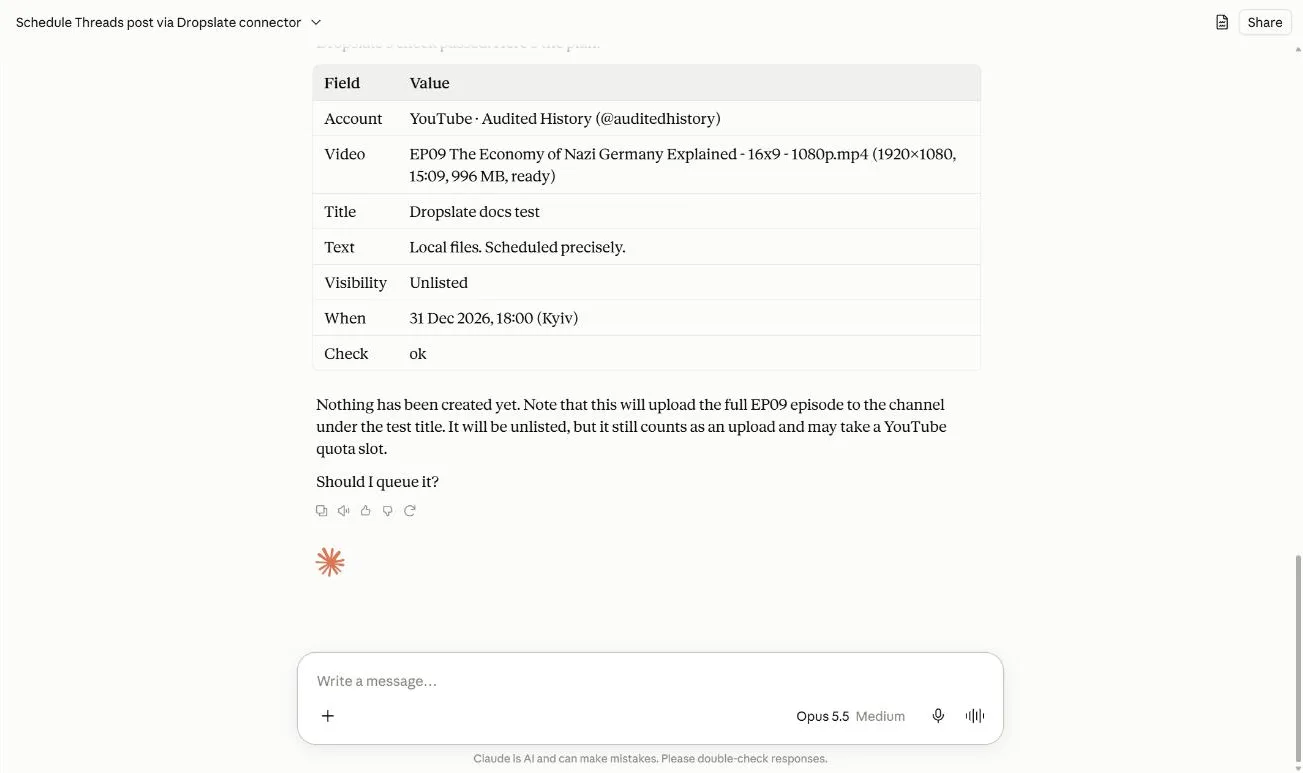
What an agent sees
Section titled “What an agent sees”Settings → MCP in the dashboard shows the server address, the steps for each client, connected agents (with a disconnect action), and the last 20 calls.
tools/list is filtered by what the connection can do: one granted only the read scope sees the 11 read tools; the Free plan sees only those 11 too, even with write - on Free an agent can read and plan but not publish, and paid plans are not on sale yet. A direct call to a hidden tool is refused by the protocol itself; the same route through REST answers 403 insufficient_scope or 402 quota_exceeded.
Next: Connect Claude.ai, Claude Code or ChatGPT, why Cursor cannot connect yet, or jump straight to the tools reference.